Activar Zoom con Ctrl+Rueda Ratón en IntelliJ Idea y Android Studio
File - Settings - Editor - General - Mouse - “Change font size (Zoom) with Ctrl+Mouse Wheel
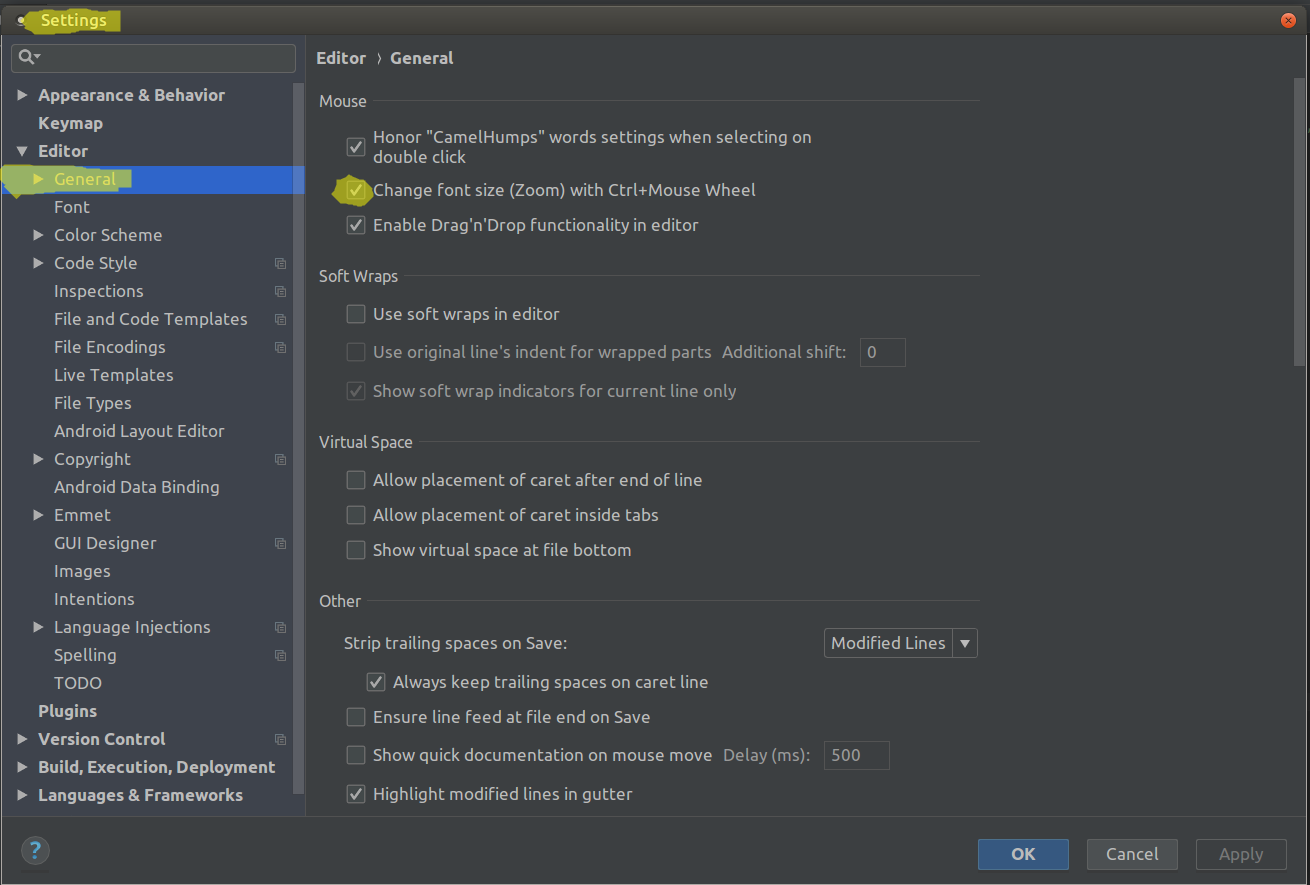
File - Settings - Editor - General - Mouse - “Change font size (Zoom) with Ctrl+Mouse Wheel